Social Media Posting Without Losing Your Soul: AI and the Brand Guide
- 5 min read
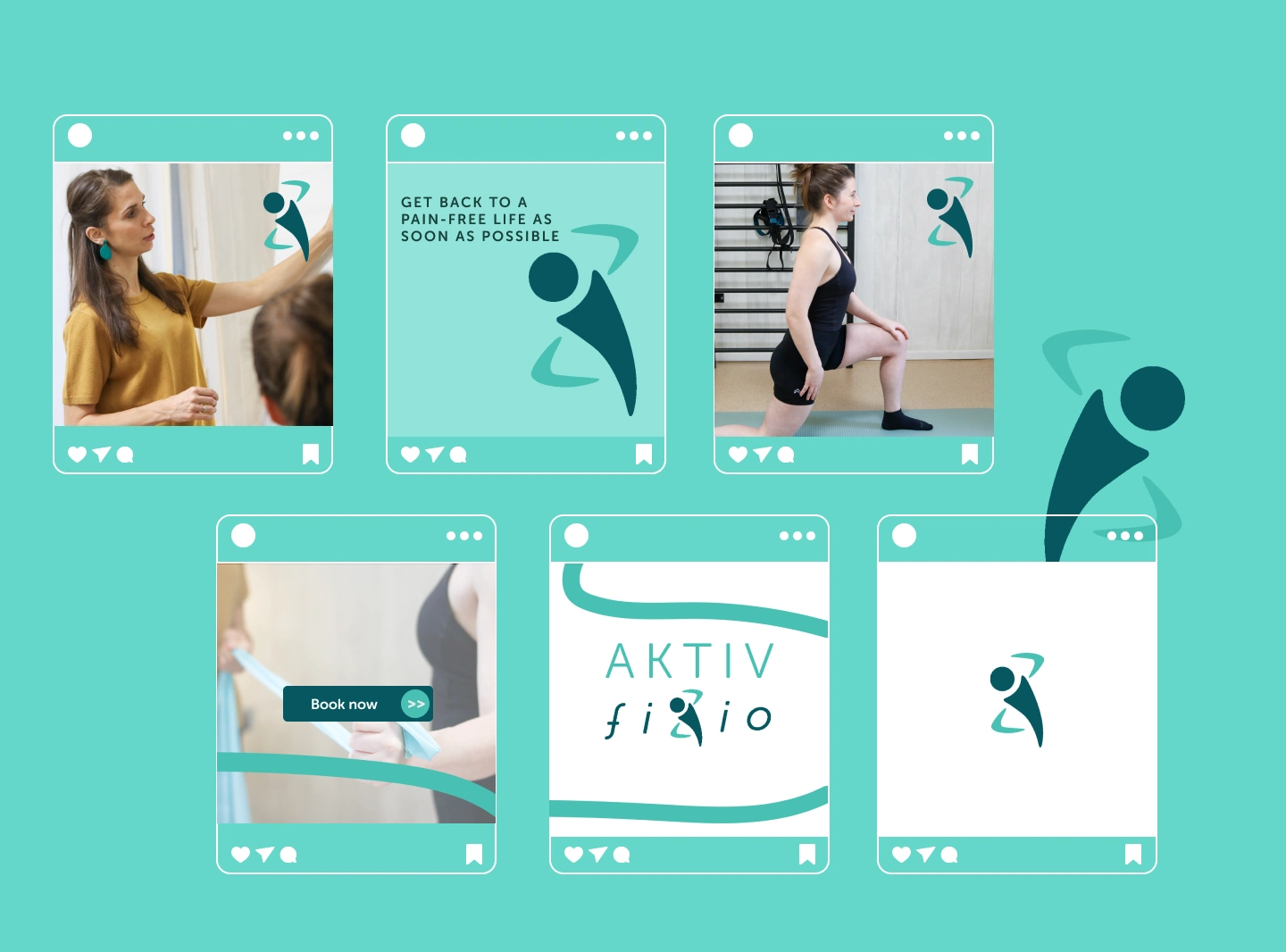
Why Social Media Brand Systems Beat Random Posting?
When you implement social media brand systems, you stop being a slave to the ‘Content Monster’ and start working with high-quality fuel.
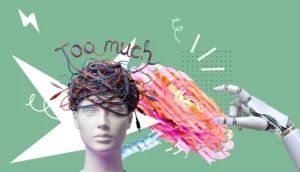
For any business owner building a brand based on expertise or high-end aesthetics, the “Content Monster” is real. You know you need to be visible on social media to stay relevant, but the technical burden of designing and posting can feel like it’s stealing time from your actual work.
AI tools for image generation and automation promise a shortcut. But there is a danger: if everyone uses the same tools in the same way, the digital world becomes a sea of “sameness.”
Here is how we use technology to scale your presence while keeping your Strategic Narrative authentic.
1. AI is Your Assistant, Not Your Creative Director
AI can generate an image in seconds, but it doesn’t understand your specific “Truth.”
The Problem: Generic AI results often look “plastic” or off-brand, which dilutes the trust you’ve built with your audience.
The Solution: We use your Brand Guide (the colors, typography, and mood I develop for you) as a filter. Whether a visual is AI-assisted or a custom photograph, it must pass through your unique visual DNA.
2. The Hybrid Workflow: Canva Templates
I don’t want you to be stuck waiting for a designer for every small update.
How I help: I design custom, high-end templates in Canva that are strictly aligned with your Brand Identity.
Your Power: You can use AI to brainstorm a concept or a layout, drop it into my professional templates, and ensure every post looks like a premium piece of content. You get speed without sacrificing quality.
3. The "Un-copyable" Element: Bespoke Illustration
There is a specific feeling that AI still cannot replicate: Human-led, custom illustration. When your brand needs to explain a complex idea, I create bespoke elements that AI simply cannot “guess.”
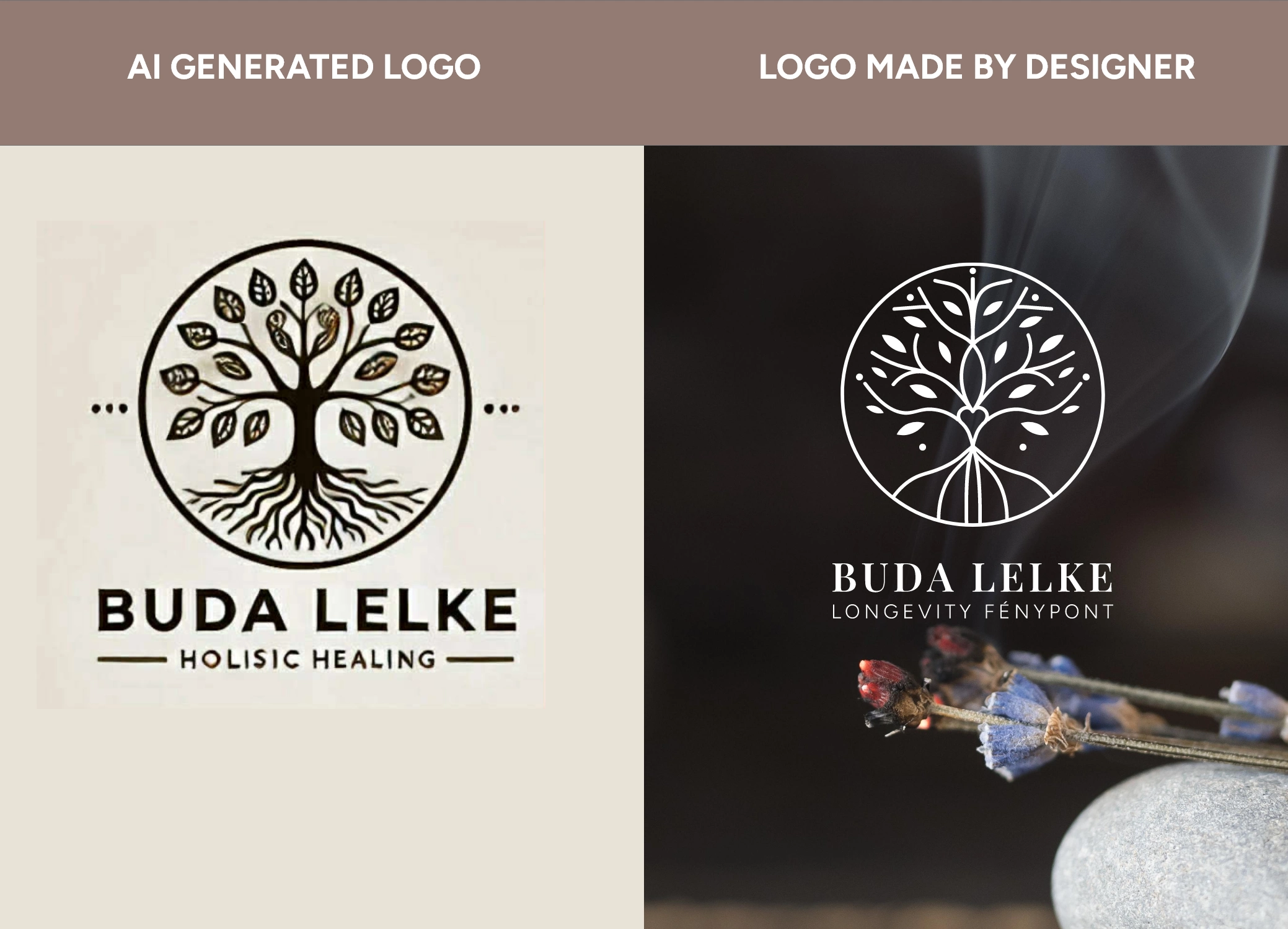
A Real-World Example: The “Smudgy” AI Logo Many clients come to me after trying to generate a logo with AI. At first glance, it looks okay. But then the technical reality sets in:
The “Smudgy” Detail: The illustration is blurry, the lines are inconsistent, and the text is often distorted or “smudged.”
The Dead-End File: You receive a single PNG with a flat background. You can’t “make it bigger” for a storefront sign without it pixelating. You can’t change the colors for a dark background. You are stuck.
The Designer Difference: When I build your visual identity, I don’t just give you a “picture.” I provide a Visual System. It is infinite in scale, perfectly crisp, and comes with a set of variations (light, dark, icon-only) designed for every possible scenario. A designer doesn’t just make a logo; we build a Visual System that gives you total control, while AI gives you a beautiful but broken file.
4. Preparing for the Engine: Assets Ready for Success
While I don’t run the automation tools for you, I prepare your brand to be automated. An engine is only as good as its parts. If you try to automate your social media with “smudgy” AI logos and inconsistent files, your brand will look messy. My job is to provide the high-quality “fuel”—the templates, the icons, and the crisp vector files—so that when you use your posting tools, the result is flawless and professional every time.
5. Where to Find the "Raw Material": High-End Stock & AI Prompts
Scaling your brand means having a library of high-quality assets. You don’t always need a professional photoshoot for every single post, but you do need to avoid the “generic” trap.
The Gold Standard of Free Stock: Use Unsplash, Pexels, or Freepik.
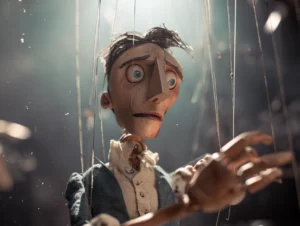
Pro-Tip: Don’t pick the first image you see. Scroll down to find the “hidden gems” that feel more like a film still and less like a commercial.
Generating Your Own (The Minimalist Way): If you use AI to create an image, keep your prompts structured and quiet.
Less is More: Avoid “chaotic” prompts. Use terms like minimalist, high-end, cinematic lighting, neutral tones.
Define the Perspective: Tell the AI the angle. Use “Top-down shot,” “Eye-level,” or “Close-up with blurred background (bokeh).” This keeps the image from looking like a cluttered AI mess.
The “Paper and Ink” Trick: Never underestimate the power of a doodle. Draw a simple sketch or write a word on a piece of paper, take a high-quality photo of it in natural light, and drop it into your design. This human touch is something a machine can never authentically replicate.
Take photos by yourself! Look around the world and think in metaphors!
6. The Canva Secret: Mixing vs. Copy-Pasting
Canva is a powerful tool, but it is dangerous if used without a “Guardrail.”
Never use a template “as is.” Every time you use a stock element or a layout, mix it with the Brand Assets I’ve provided for you.
Drop in your custom Bespoke Illustrations, apply your exact brand hex codes, and use your specific typography. This is how you ensure that even a “quick post” feels like it belongs to your Visual System, not to a Canva library.
Is your brand "Smudgy" or Crisp?
If you are tired of fighting with low-quality files, smudgy logos, and the constant pressure of the “Content Monster,” let’s build your system. I will provide the architectural map and the high-end assets so that your business can run on a high-performance engine without losing its soul.
Ready to clean up your visual narrative?

Greta Grünfeld
Graphic Designer, SEO specialist
Essentially, I don’t just make it look pretty for humans; I make it make sense to the machines that recommend you.